How do I use AI to boost my productivity? A Senior Engineer's Perspective
Jul 2, 2026
Estimated reading time: 6 minutes and 45 seconds
Table of Contents

It is no secret that I have my skepticism with AI coding agents, as you can see from my previous posts in this blog. However, like pretty much everyone nowadays, I do use AI tools extensively, both in personal life and in my professional work.
My skepticism lies on transferring too much engineering judgment to it.
I do not use or leverage AI agents as autonomous developers because I believe there is still a long way for them to become good enough to generate code that can evolve safely and healthily. But I do use AI every day as a tool for brainstorming, risk identification, documentation, proof of concepts and targeted test generation.
In this blog, I want to share my experience and strategies for effectively using AI as a tool, not as my replacement, to improve my decision-making process.
Principles Before Prompts
Before diving into the strategies, let’s first establish some principles behind my view on AI tooling.
I do not transfer trust to AI
The final word on a new pattern, solution or architecture decision should come from an experienced human who knows the surrounding business context and constraints.
There are effectively endless ways something can be implemented, but picking the correct approach requires deep understanding of the problem domain, technical trade-offs and available resources.
AI can suggest options, surface risks and help structure the thinking process. But it should not own the decision.
Respect for code styling and patterns
Patterns and code styling define the way your product is logically structured. They reduce the thinking burden when engineers need to evolve the system.
A well-designed codebase is built on solid principles that separate domains and concerns. It is modular, coherent and ready for future changes.
AI agents do not understand the nuances and best practices of your solution. They often hallucinate new patterns that do not fit your codebase. This introduces drift that can be difficult to reason about and serve as reference in future iterations.
Even if you sit down and write many skills for each pattern, business context and task detail, the problem of context rot may still kick in. New unwanted code can still be introduced.
That is why I treat AI as a powerful assistant, but not as the owner of the codebase.
Strategies
High-Level Brainstorming and Risk Identification
One of my favorite strategies is using AI to brainstorm ideas. Here I usually have a good understanding of the problem space and requirements and I already have a high-level working architecture in mind.
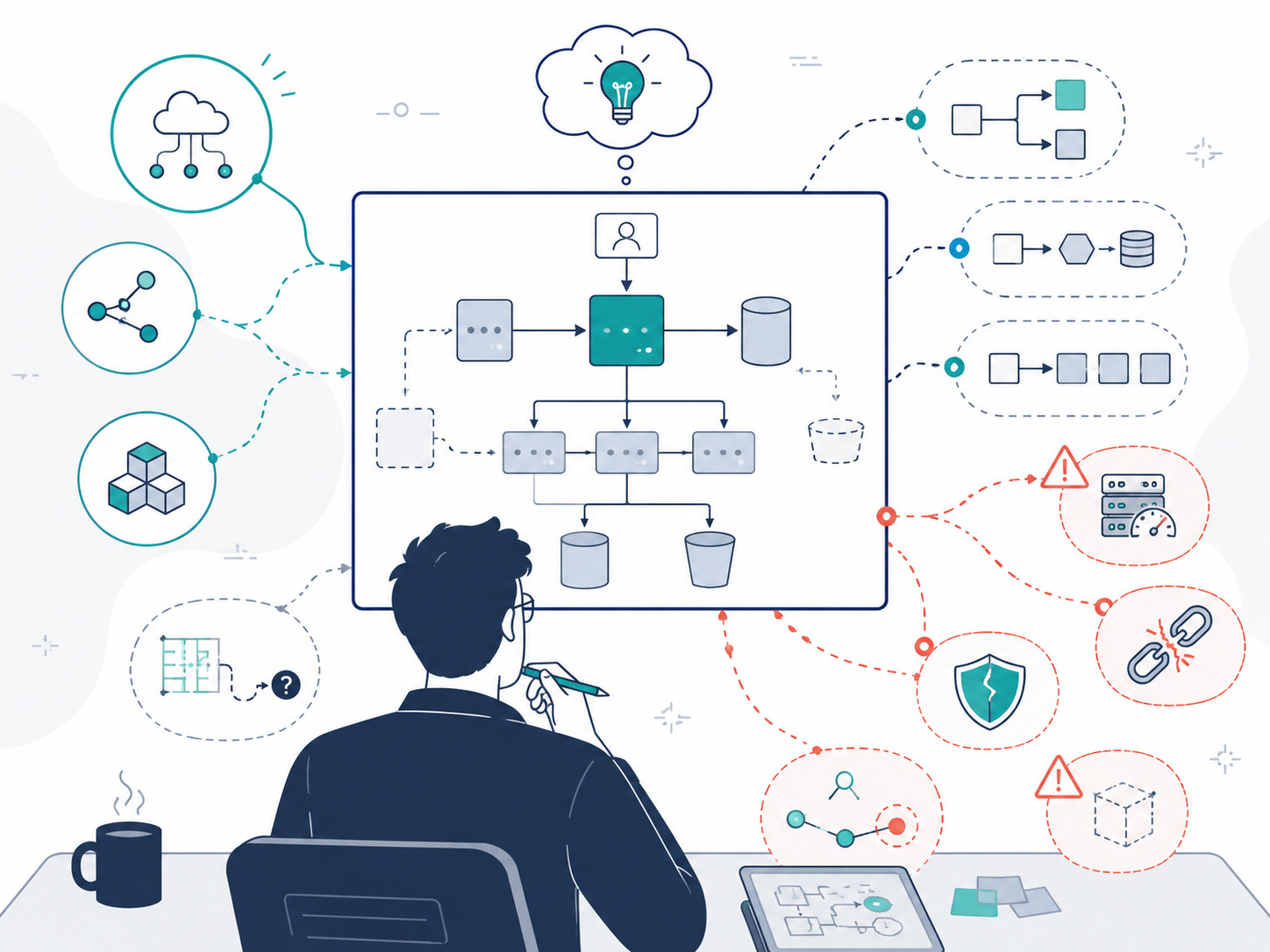
So I outline the components, system patterns and implementation details I am considering, then I ask the AI for direct feedback.
This initial step lets me see suggestions for enhancements, such as better reliability, better scalability, enhanced modularity and, perhaps most important, better security. AI is good at formulating suggestions based on real ideas instead of a generic outcome-oriented prompt.
In follow-up conversations, I push it to stress-test the system for production reliability, what can go wrong and how big the impact may be.
Here I am directing the design of the system. The AI gives me a broader perspective by bringing edge cases to my attention before they become baked into the infrastructure.
A typical prompt here is:
Here is the architecture I am considering. Stress-test it for reliability, security, operational complexity, data consistency and failure modes. Focus on what I may be missing.
---
<paste your architecture summary>
Avoid generic “design this for me” prompts.
Architectural Alternatives and Trade-Off Analysis
After the initial design feedback, I like to run a comparison against my own choice. Not only for robustness, but also to see if there are better architectures I could have chosen given my constraints.
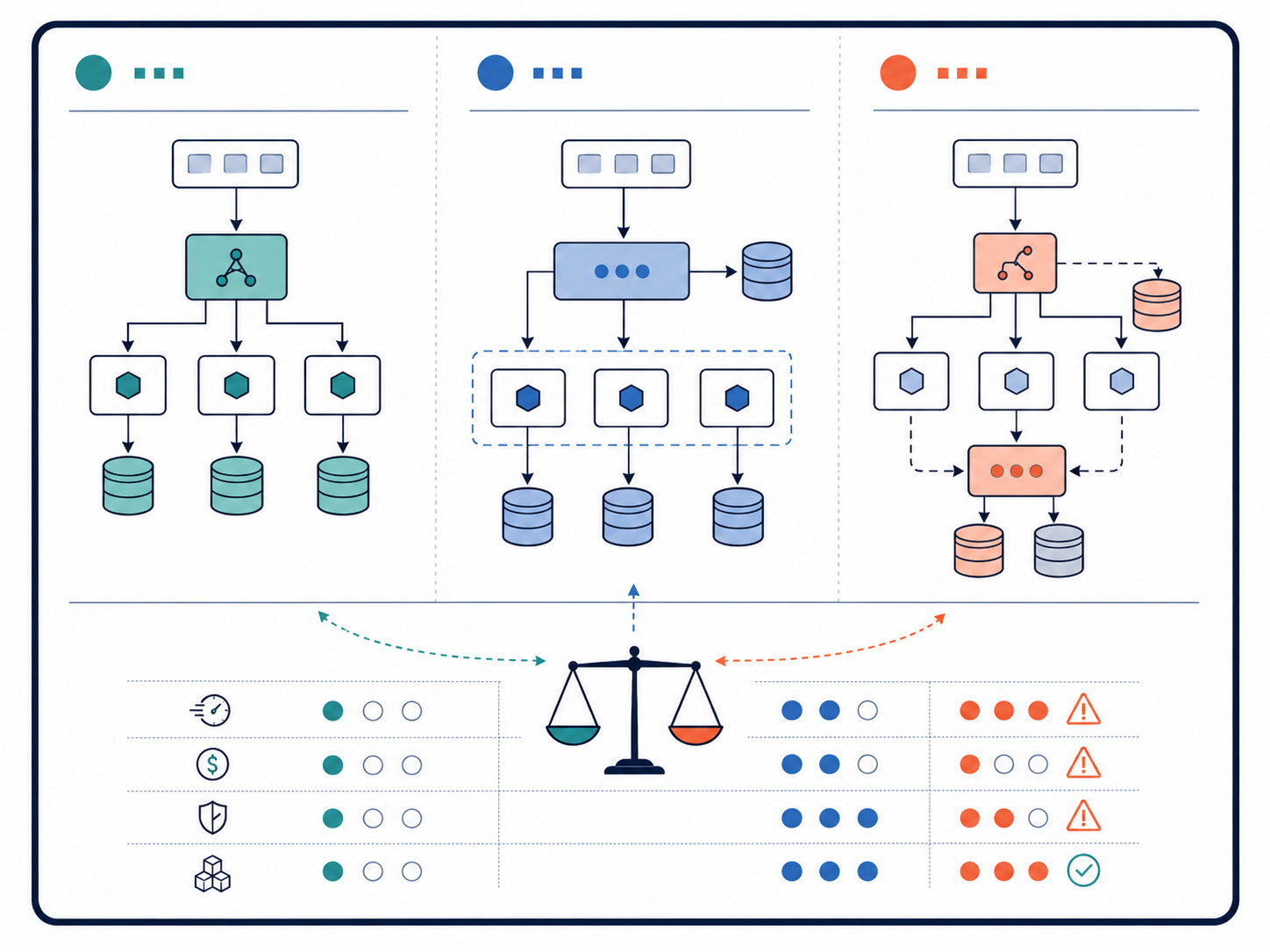
After all, our job as engineers is choosing the better solution considering the requirements, since rarely there is a single right solution. It is always an art of finding the right balance.
I give the AI my proposed design and ask for three to five alternative architectural suggestions. Then I refine the prompt by asking it to optimize for some specific characteristic, such as high reliability or low latency.
Finally, I ask it to format the result as a comparison matrix table so I can easily see the pros and cons of each alternative and use it in my decision documentation.
Comparing these AI-generated alternatives against my original plan ensures that my final technical choices are intentional, better justified and easier to document.
Rapid Proof of Concepts
Sometimes you need to test if an idea is viable before pitching it to leadership or prioritizing it on a product roadmap. This is where code generation shines, provided you treat the output correctly.
I will feed a segment of the codebase into the AI and ask it to draft a rough implementation of a pattern or feature just to see the code working.
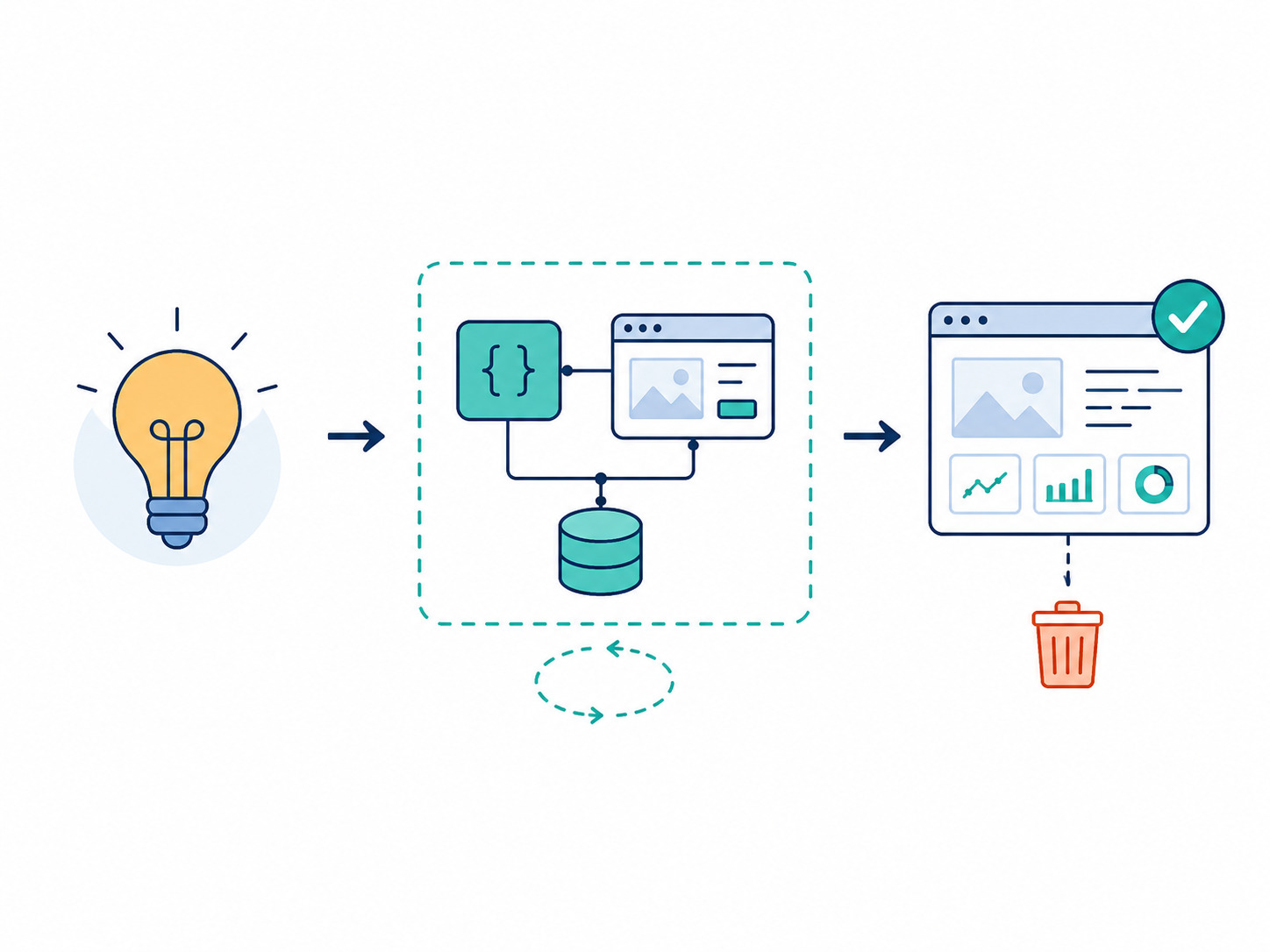
The crucial rule here is to treat this generated code as temporary, exploratory scaffolding. You should never copy-paste an AI POC directly into production. Relying 100% on AI-generated production code introduces serious long-term maintenance issues.
The POC may inform the final implementation, but it should not become the final implementation by default. Use the POC to prove viability, then use your vetted architecture patterns to build the real feature sustainably.
You can quickly iterate your POC to see if it matches your desired outcomes, then use it as a demo to convince stakeholders to prioritize the feature.
Bootstrapping System Documentation
A well-architected solution will always evolve slightly during implementation, so the code in production is rarely a 100% replica of the original technical design document.
Once a feature is deployed and working smoothly, I like to use AI to kickstart the documentation process.
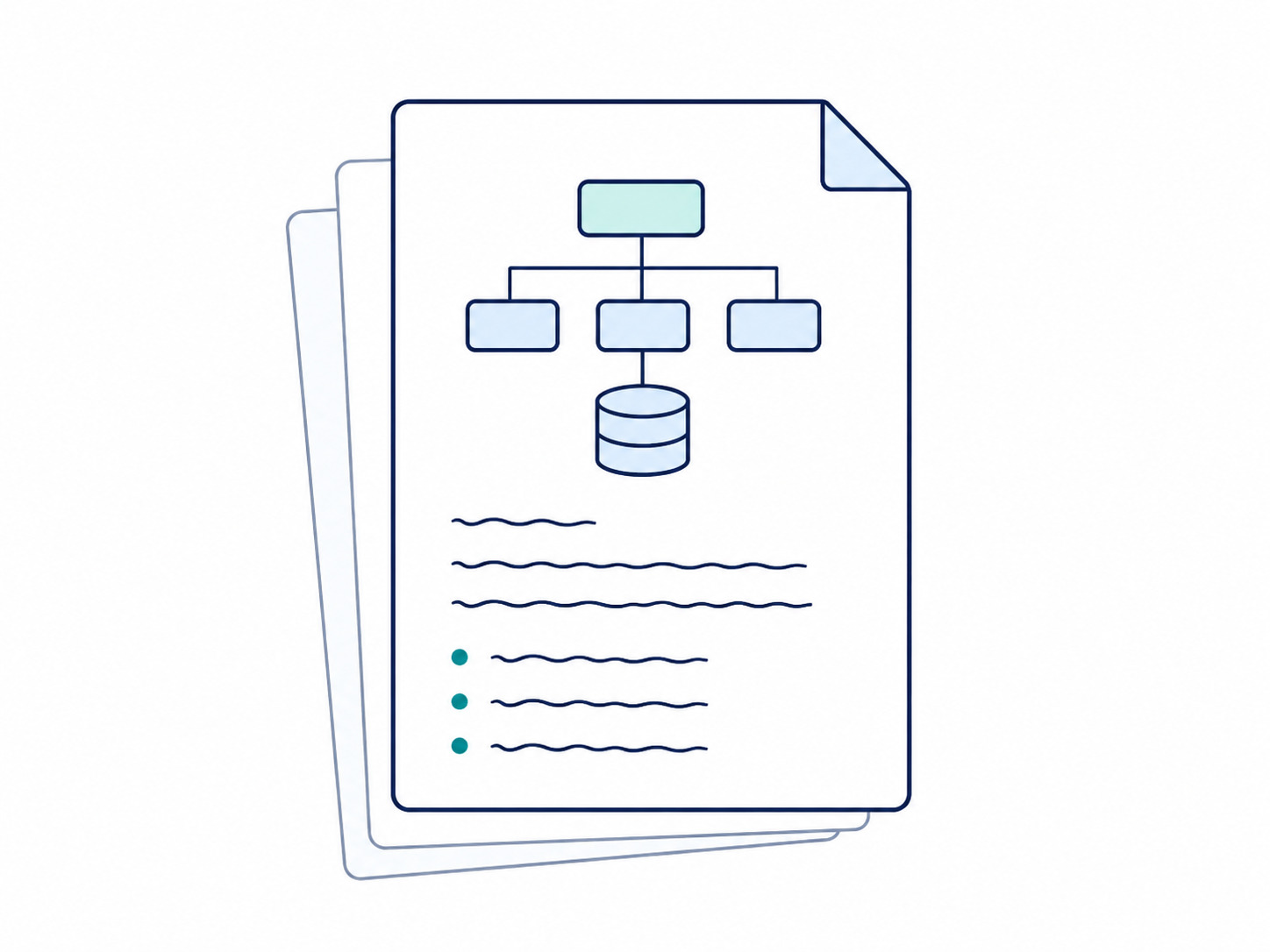
There is usually some preliminary documentation on the decision-making process, things like problem and solution definitions, architecture decisions and other related context. But once the feature is finished, it is always good to have proper documentation, such as:
- Architecture deep dive, including component interactions and dependency graphs.
- Developer guide, including entry points and domain boundary APIs.
- Internal documentation on domain components, models and data flows.
- High-level architecture overview explaining how the feature fits into the broader system.
What I do is point the AI toward bits of the codebase at a time, so it can help me map all of this out.
This output serves as a baseline that I refine into thorough documentation. I detail the technical parts, correct the architecture language and prune areas where the AI is too verbose or repetitive.
A well-documented system enhances developer experience by providing clear, up-to-date documentation. It also makes AI tooling better by providing useful, rich and accurate context about the codebase.
Targeted Unit Testing and the 2-Example Rule
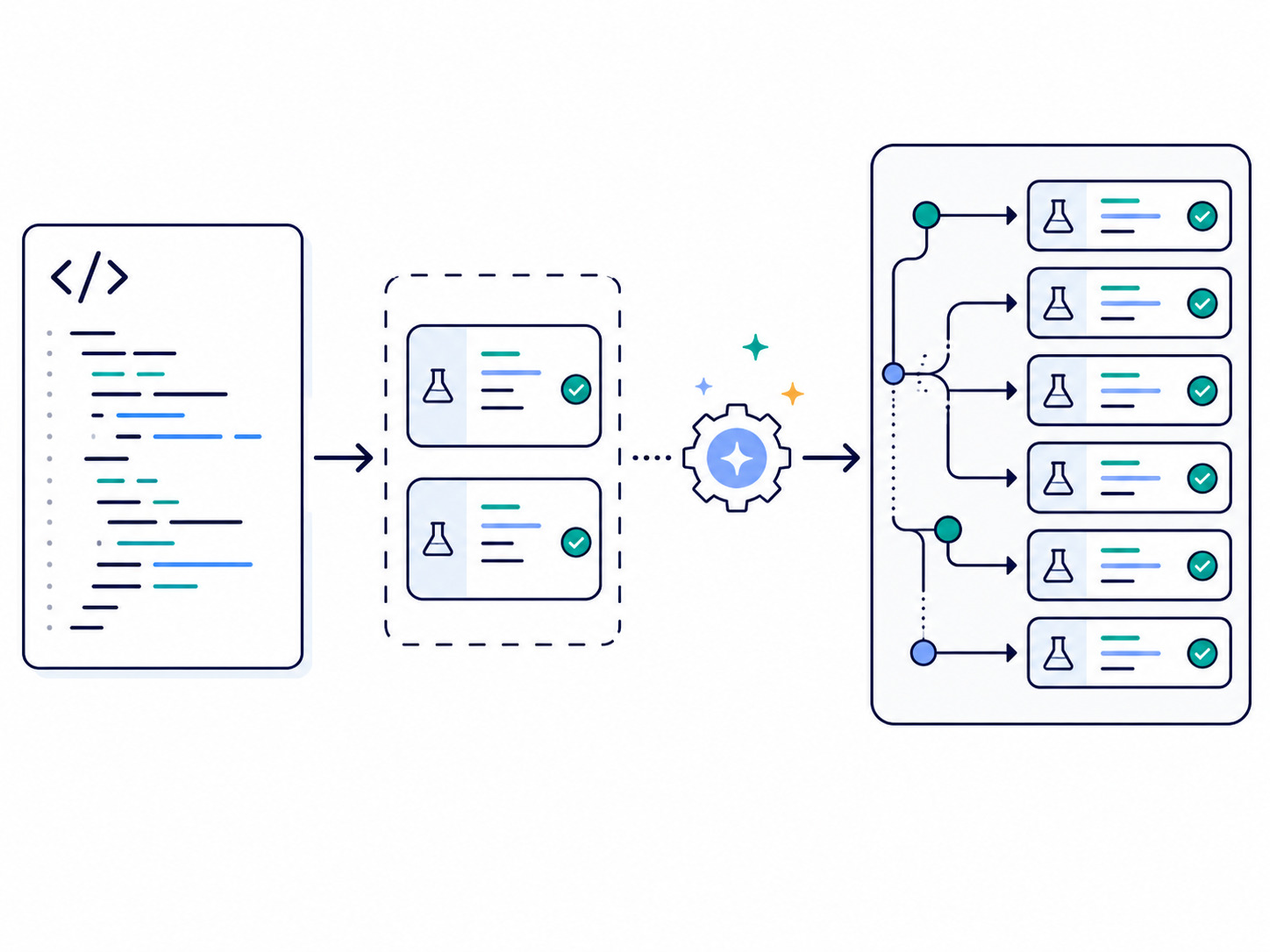
Writing unit tests is easily the most impactful daily use case for AI, but letting an agent loose on an empty test file is a mistake.
When AI generates tests alone, it tends to write bloated tests that check meaningless things, like verifying that a basic constructor returns an instance or testing if a constant is defined correctly. This creates noise and delays precious CI time.
To keep tests lean and meaningful, I first write one or two cases manually, usually testing two branches of a function. Then I delegate the rest to the AI.
Because it has an explicit template to follow, the AI is remarkably accurate at filling in the blanks. Finally, I review the generated suite, strip away any extra fluff and commit a tight, meaningful, high-performing test suite.
Giving examples unlocks the AI’s ability to generate tests closer to the way you would normally write them. This saves a lot of time without giving up ownership of the final result.
The Bottom Line
AI is an excellent daily driver for brainstorming, exploring, documenting and generating tests. But if you treat it as an autonomous developer, it will inevitably leave you with fragmented, unmaintainable systems.
Codebase decay compounds quickly, shifting the burden onto on-call engineers and stalling your product roadmap.
The best use cases for AI enhance a senior engineer’s ability to write high-quality, maintainable code. They also expand architecture vision by shedding light on unconsidered corners of a design.
Used effectively, AI can help senior engineers get more done faster without delegating trust to the tool.
But if AI-generated code snippets are silently creeping into your production environment without architectural guardrails, it’s time to clean up the technical debt before it becomes a business crisis. Reach out to Johntek Consulting today to set up clear engineering standards, establish workflow guardrails and keep your systems scalable for the long haul.
